





Unlock your device bootloader.
Install the operating system of your choice on your Fairphone and join a community that truly makes technology their own.
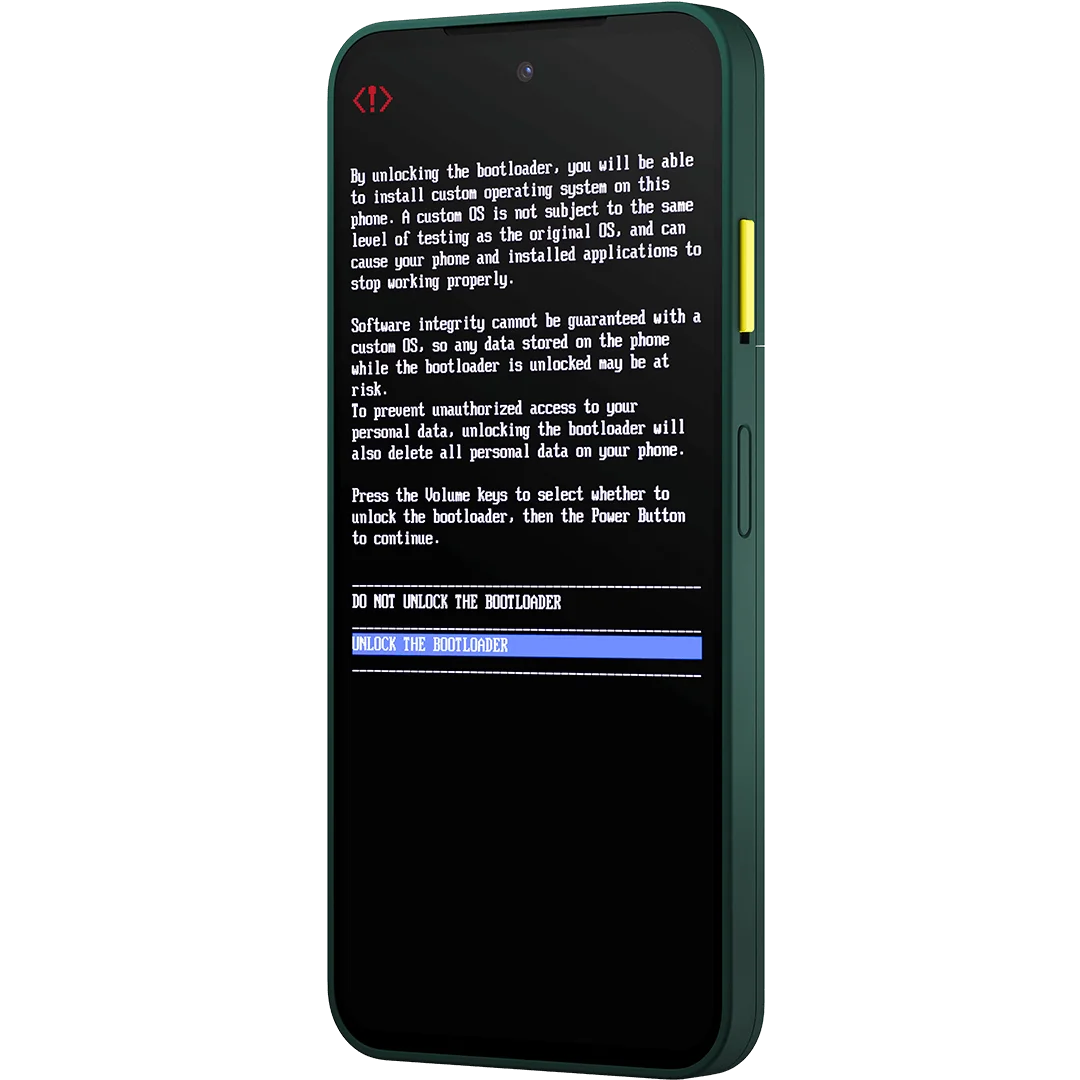
Unlock the bootloader without a code
The process for enabling bootloader unlocking is changing for Fairphone 3. Since version 6.A.040.2 (March 2026), you do not need to enter a code anymore. Just follow these steps:1
Go to the Settings app on the phone in the section "About Phone"
2
Tap on the Build number seven times to enable Developer Options
3
Toggle Bootloader Unlocking in Developer options
4
Wait for the verification
Unlock the bootloader with a code
Create an unlock code to enable bootloader unlocking on he Fairphone (Gen. 6), Fairphone 5, Fairphone 4, and Fairphone 3 and 3+ before version 6.A.040.2.
Enter your phone’s IMEI 1 number to continue
Enter your phone’s serial number to continue
The IMEI and/or serial number is incorrect. Try again?
Please, fill all the mandatory fields
COPY YOUR UNLOCK CODE
0e18cd5d Use this code to unlock your Fairphone’s bootloader. Need more help? Follow step-by-step instructions in this support article. Get another codeFull freedom means full responsibility
Unlocking your device bootloader gives you the freedom to install an operating system of your choice on your Fairphone. This is a powerful feature that we support, but it's one that comes with certain security risks.
- Software Integrity: While we love to see communities create innovative OSes, unofficial software could contain malicious code if not sourced from a trusted developer, as well as vulnerabilities if not updated regularly. You will have to claim responsibility for any such integrity issues.
- Data Vulnerability: An unofficial operating system may not provide the same level of security as a verified one, potentially putting your personal data at a higher risk of being compromised.
- Disabled Features: Key security features, such as Verified Boot, will be disabled. This means your phone will no longer be able to check if the software it's running has been tampered with, and some apps (such as banking services, or streaming services that require DRM) might not work properly.
Looking for IMEI and serial numbers?
Select your device to see the instructions or see the step-by-step guide in our support article.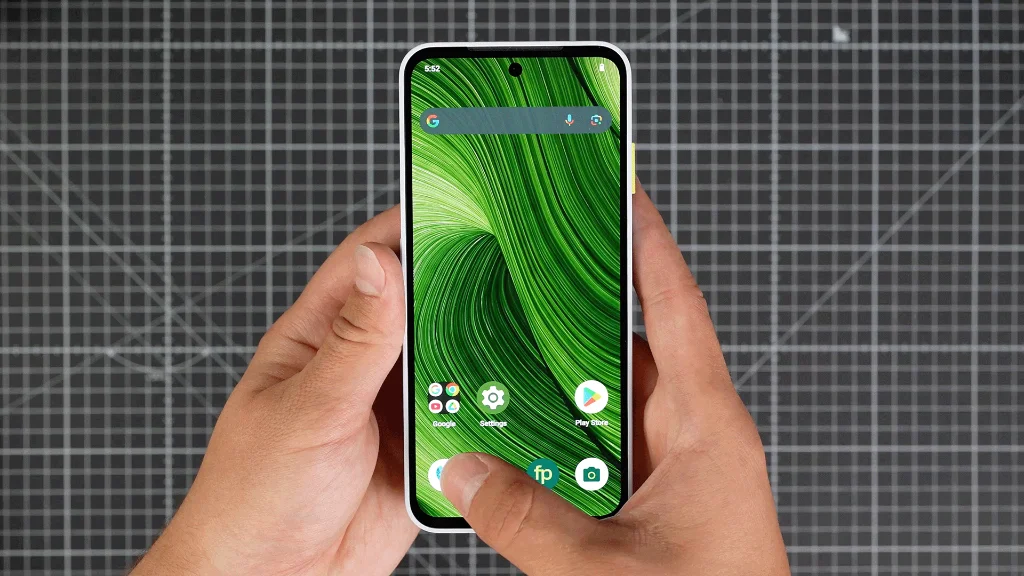
Option 1: Using the phone app
- Dial *#06#* in the Phone app
- A pop-up will display the IMEI 1 and serial numbers
Option 2: In the settings menu
- → Go to Settings → About phone → scroll down to IMEI (SIM slot 1)
- → Go to Settings → About Phone → Scroll down to Model → Serial Number
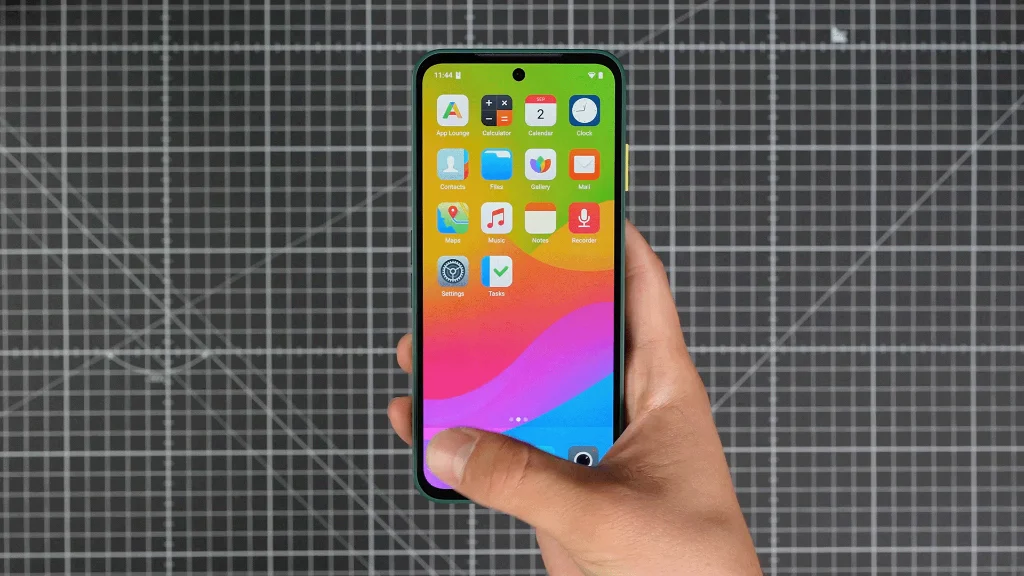
Option 1: Using the phone app
- Dial *#06#* in the Phone app
- A pop-up will display the IMEI 1 number
Option 2: In the settings menu
- Go to Settings → About phone → scroll down to IMEI (SIM slot 1)
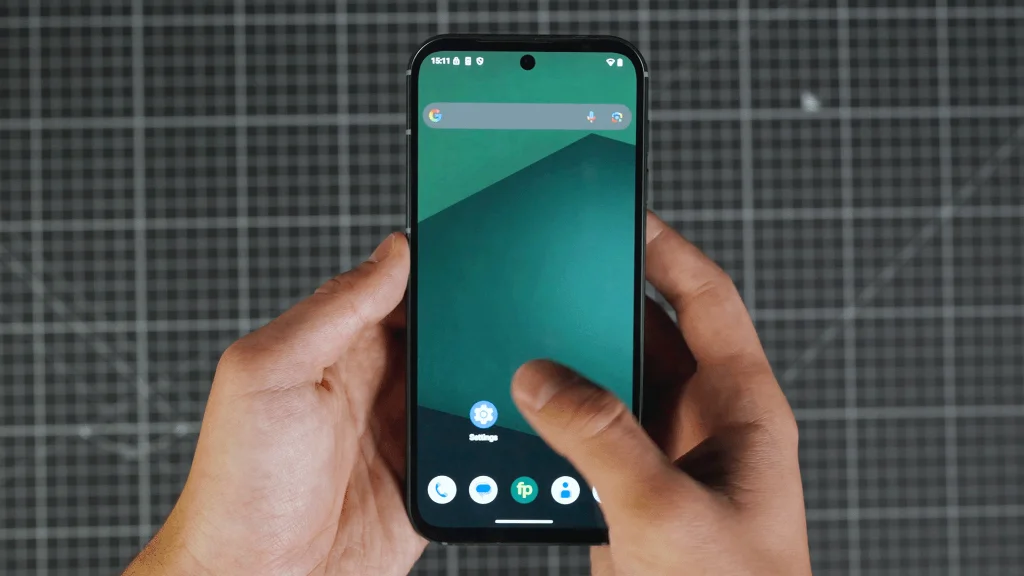
Option 1: Using the phone app
- Dial *#06#* in the Phone app
- A pop-up will display the IMEI 1 number
Option 2: In the settings menu
- Go to Settings → About phone → scroll down to IMEI (SIM slot 1)
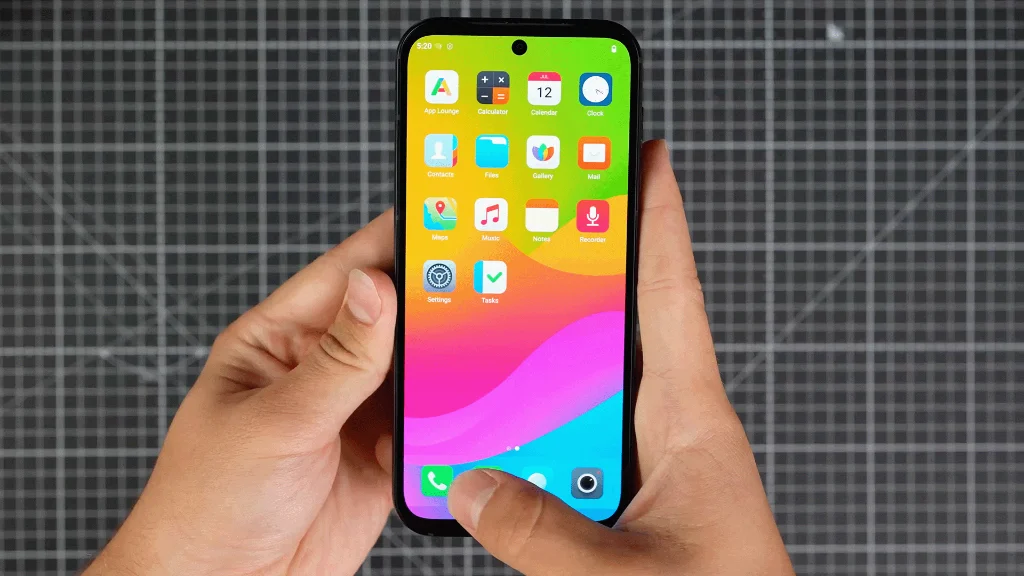
Option 1: Using the phone app
- Dial *#06#* in the Phone app
- A pop-up will display the IMEI 1 number
Option 2: In the settings menu
- Go to Settings → About phone → scroll down to IMEI (SIM slot 1)
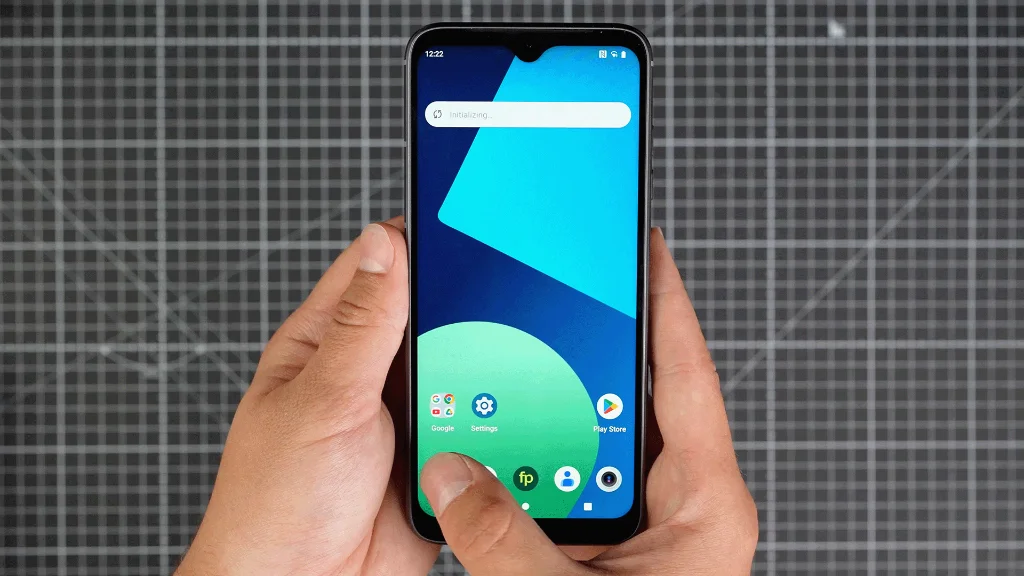
Option 1: Using the phone app
- Dial *#06#* in the Phone app
- A pop-up will display the IMEI 1 number
Option 2: In the settings menu
- Go to Settings → About phone → scroll down to IMEI (SIM slot 1)
Option 1: Using the phone app
- Dial *#06#* in the Phone app
- A pop-up will display the IMEI 1 number
Option 2: In the settings menu
- Go to Settings → About phone → scroll down to IMEI (SIM slot 1)
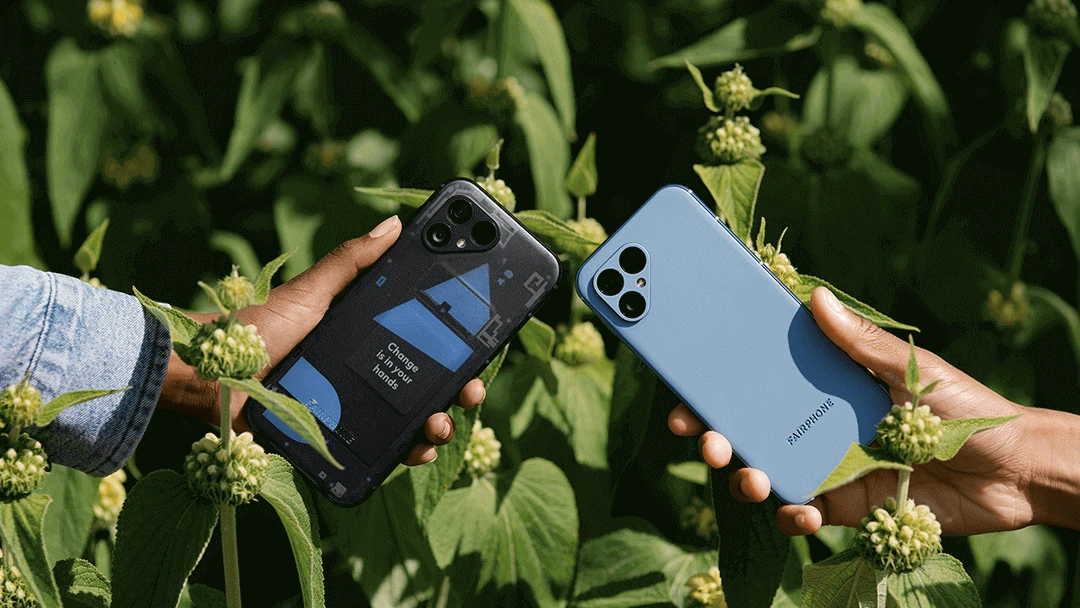
Option 1: Using the phone app
- Dial *#06#* in the Phone app
- A pop-up will display the IMEI 1 number
Option 2: In the settings menu
- Go to Settings → About phone → scroll down to IMEI (SIM slot 1)